Instagram has quietly changed the rules & most brands haven’t caught up yet
May 25, 2026
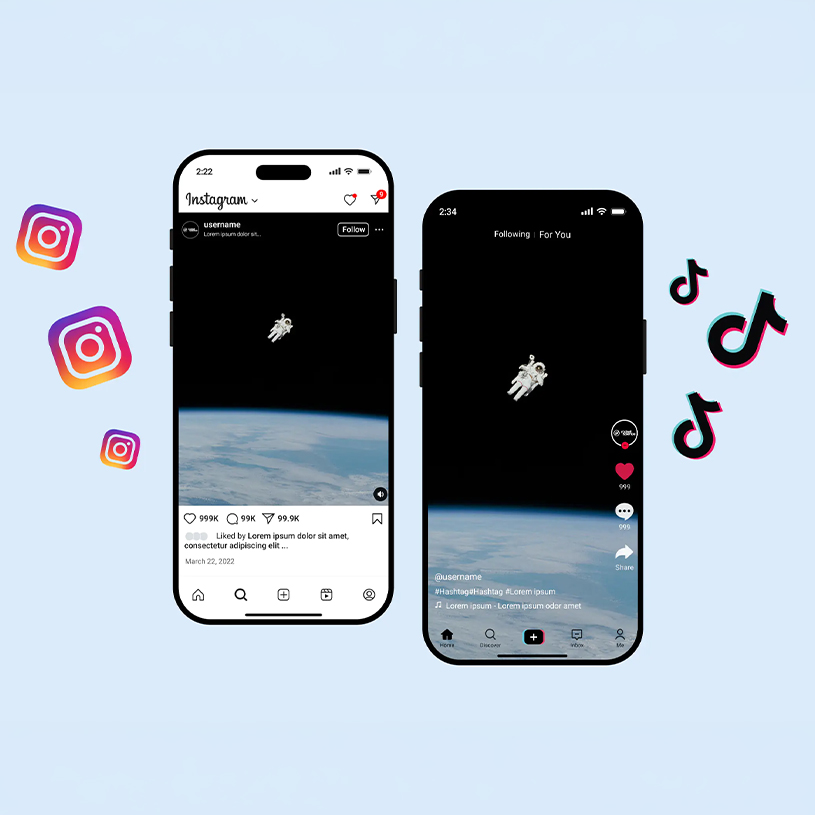
The Instagram you used last year isn’t the one you’re posting to today. Behind the scenes, the platform has introduced updates that are changing how people discover and interact with content. Hashtags have taken on a new role, Reels are increasingly being pushed to friends and close networks, and the familiar square grid on your profile has evolved into a new layout with different sizing. Individually, they may seem small, but together they’re reshaping the social media game.
Hashtags
The hashtag strategy everyone used in 2023? It doesn’t work anymore.
Once a major driver of discovery and reach, hashtags have shifted from being a growth tool to more of a categorisation feature. Instagram now uses hashtags mainly to understand and categorise content rather than push posts to wider audiences.
For brands, this means copywriting and keyword strategy have never been more important. Generic tags like #media are far less effective than they once were, and the focus should instead be on creating captions and keywords that clearly signal what your content is about.
Understanding this shift gives brands an advantage, helping ensure content is optimised for how Instagram now categorises and surfaces posts, ultimately maximising visibility and performance.
Your content strategy’s success now relies on several key signals:
- Watch time and completion rate (Reels)
Higher watch time and full views signal that the content is holding attention. The longer people watch, the more likely the platform is to increase its reach, a key objective for any social media strategy. - Shares and sends (especially via DMs)
When users share a post or send it to friends, it signals strong relevance. Posts with higher save rates, particularly tips, guides, or helpful insights, are often prioritised in the algorithm. - Saves (a strong value signal)
Saves suggest that the content is useful enough for someone to return to later. Instagram often boosts content with high save rates, especially tips, guides, and checklists. - Caption keywords and on-screen text
Instagram uses keywords in captions and text on the video to understand what the content is about. Clear and relevant wording helps the platform recommend posts to the right audience. - Topic relevance and audience behaviour
Instagram also analyses who engages with your content and what they interact with most. Consistently posting around similar topics helps the algorithm identify your niche and show your content to users with similar interests over time.
This means hashtags should support your content’s topic. not carry its performance.
Key hashtag changes users need to adapt to:
- Instagram now caps hashtags at five per post or Reel (2025).
- Hashtags act as labels, not reach drivers. They help categorise content rather than boost distribution.
- Use three to five niche or location-based hashtags that clearly align with your topic.
- Avoid broad, high-volume hashtags like #fyp or #trending, which add little value.
- Prioritise keywords in captions and on-screen text to help Instagram understand and surface your content.
How businesses should apply this:
- Lead with keyword-first captions and make the topic clear in the first line.
- Open with a strong hook to capture attention quickly.
- Use three to five highly relevant hashtags only.
- Include a save or share prompt when it makes sense.
Example (Rapid Media using hashtags as labels): #RapidMedia #Innovation #SocialMedia #Media
Profile Layout
Your Instagram grid just got a makeover, and your content needs one too.
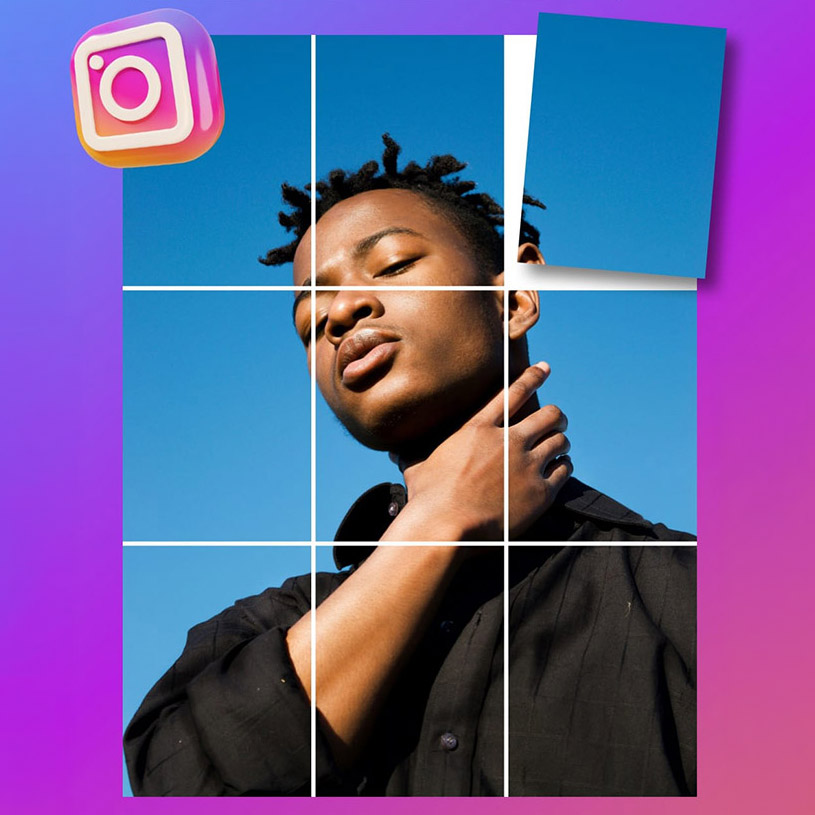
Last Year, Instagram rolled out a profile grid update that changed how posts appear on the grid. Instead of the traditional square preview, posts are now displayed in a taller format (closer to a 4:5 preview). The change reflects how people consume content today, with vertical formats dominating mobile viewing.
This shift also introduces an important design consideration.
Square (1:1) posts and older “grid tile” designs can appear cropped or awkwardly framed when viewed on the profile page. Text, logos, or key product details placed too close to the edges may be cut off or misaligned in the preview, creating an inconsistent or unpolished grid.
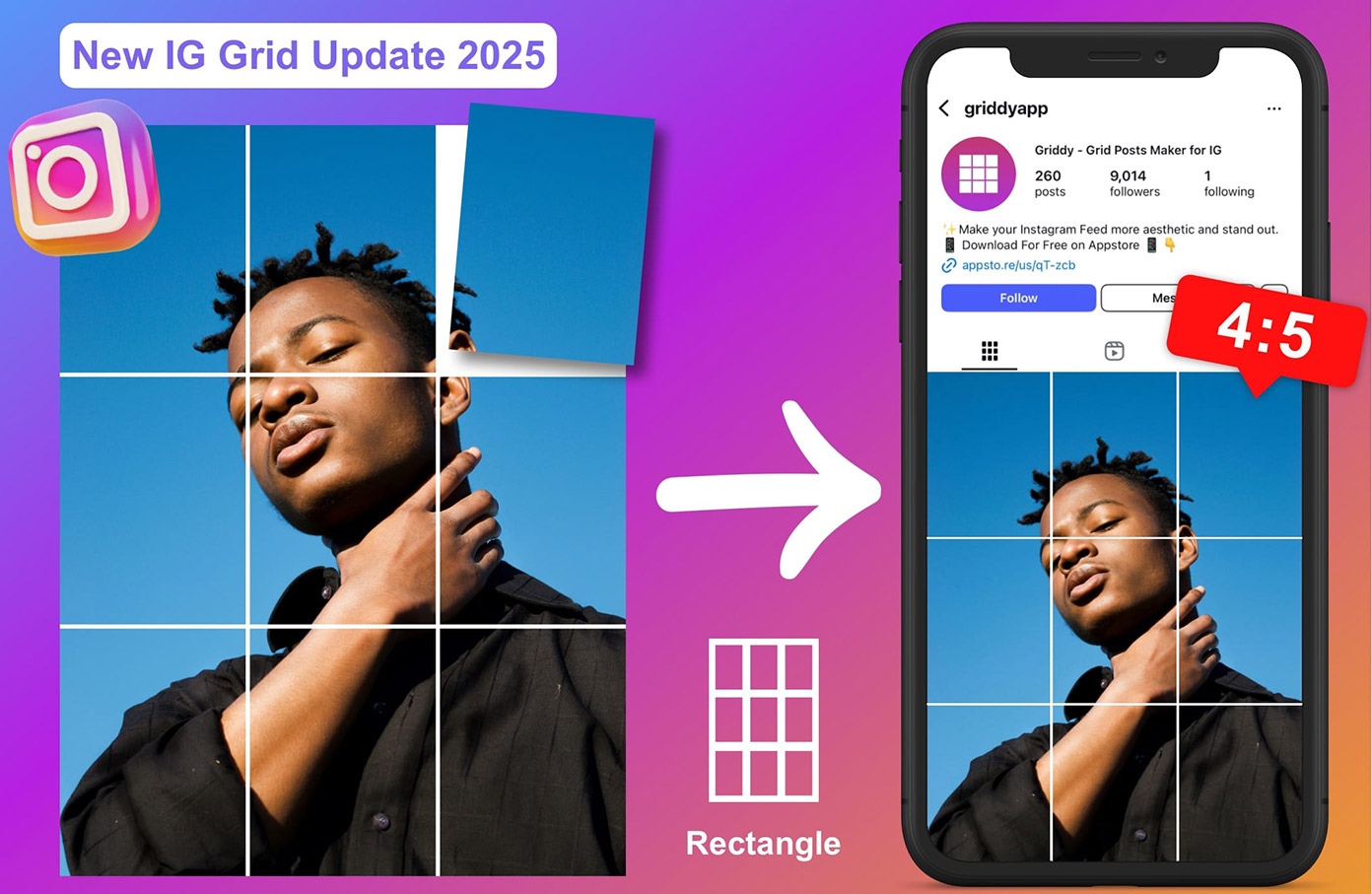
This update makes grid-aware design important again.
While Instagram is now driven by Reels and algorithmic discovery, the profile grid still acts as a brand’s digital storefront. It’s often the first place users land after discovering your content. From there, people scan the grid to judge quality, consistency, and professionalism. A clean, well-planned grid builds trust and helps turn profile visits into follows, clicks, and enquiries.
To keep posts looking clean and readable under the new grid preview, best practice is to:
- Design posts portrait-first, using 4:5 where possible to suit Instagram’s vertical display
- Keep key text and logos centred
- Use safe margins to avoid important elements being cropped
- Create consistent cover templates for carousels and Reels
- Plan posts in “series rows” so the grid stays organised and intentional
Example (King Island Distillery Feed Plan)
For a premium brand like King Island Distillery, this means building portrait-first templates with centered bottle shots and clean, readable headings. It also means planning content in rows so the profile grid looks consistent at a glance, with minimal cropping issues and strong visual flow.
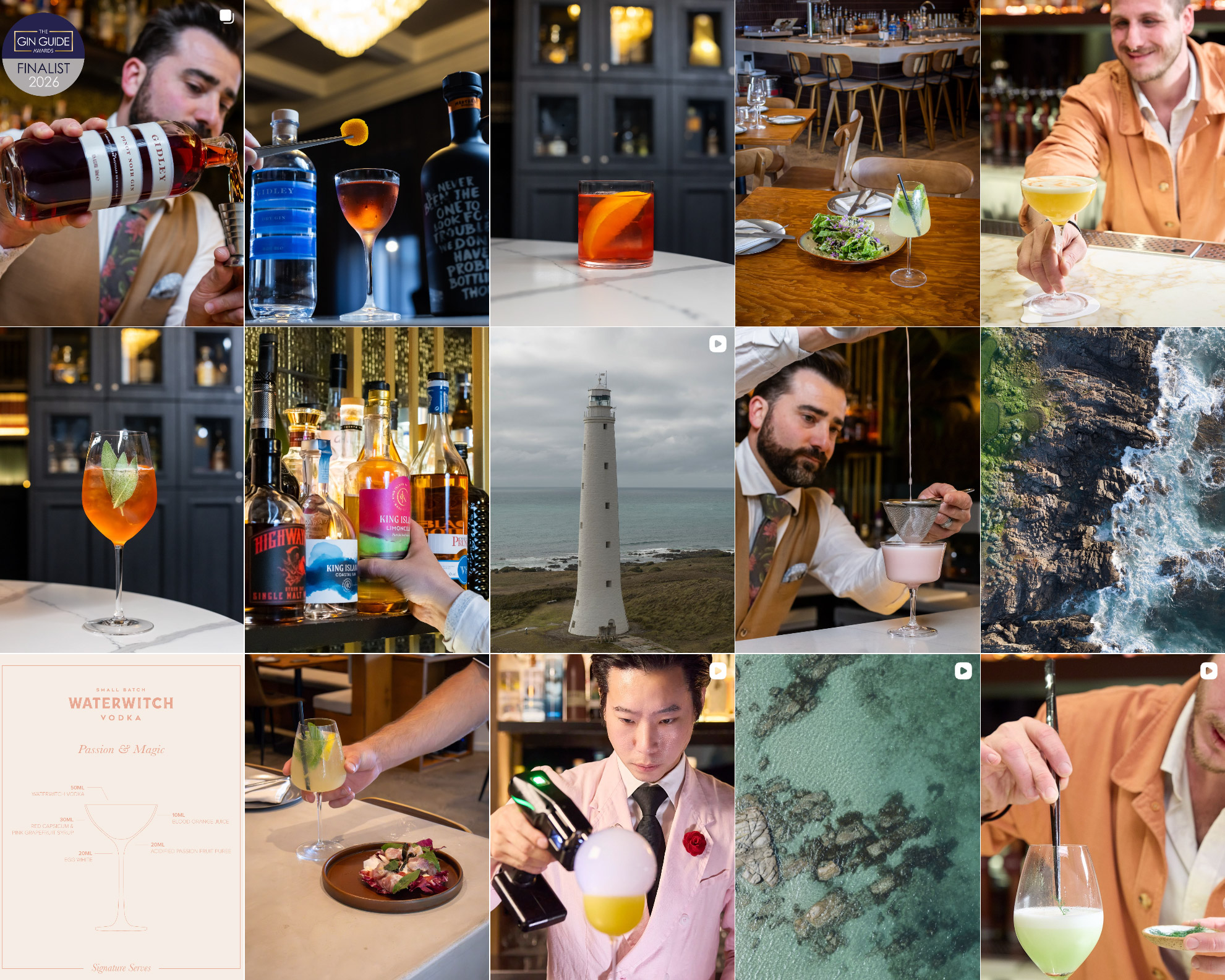
Source: February 2026 KID feed plan designed by social team on Canva
‘Friends’ Reels
Instagram is pushing content to friends first, and that changes everything.
In 2025, Instagram introduced a new feature that surfaces Reels your friends have liked or engaged with. This creates a space where users can see the content their friends are interacting with., strengthening friend-to-friend discovery across the platform.
The update shifts discovery beyond just the algorithm. Instead of relying solely on Instagram to recommend content, posts can now spread organically through social connections and shared interests.
This matters because people are far more likely to trust content when it comes through friends. When someone likes, shares or engages with a Reel, it increases the chance of that content appearing in their friends’ feeds, giving it additional reach without relying on paid promotion.
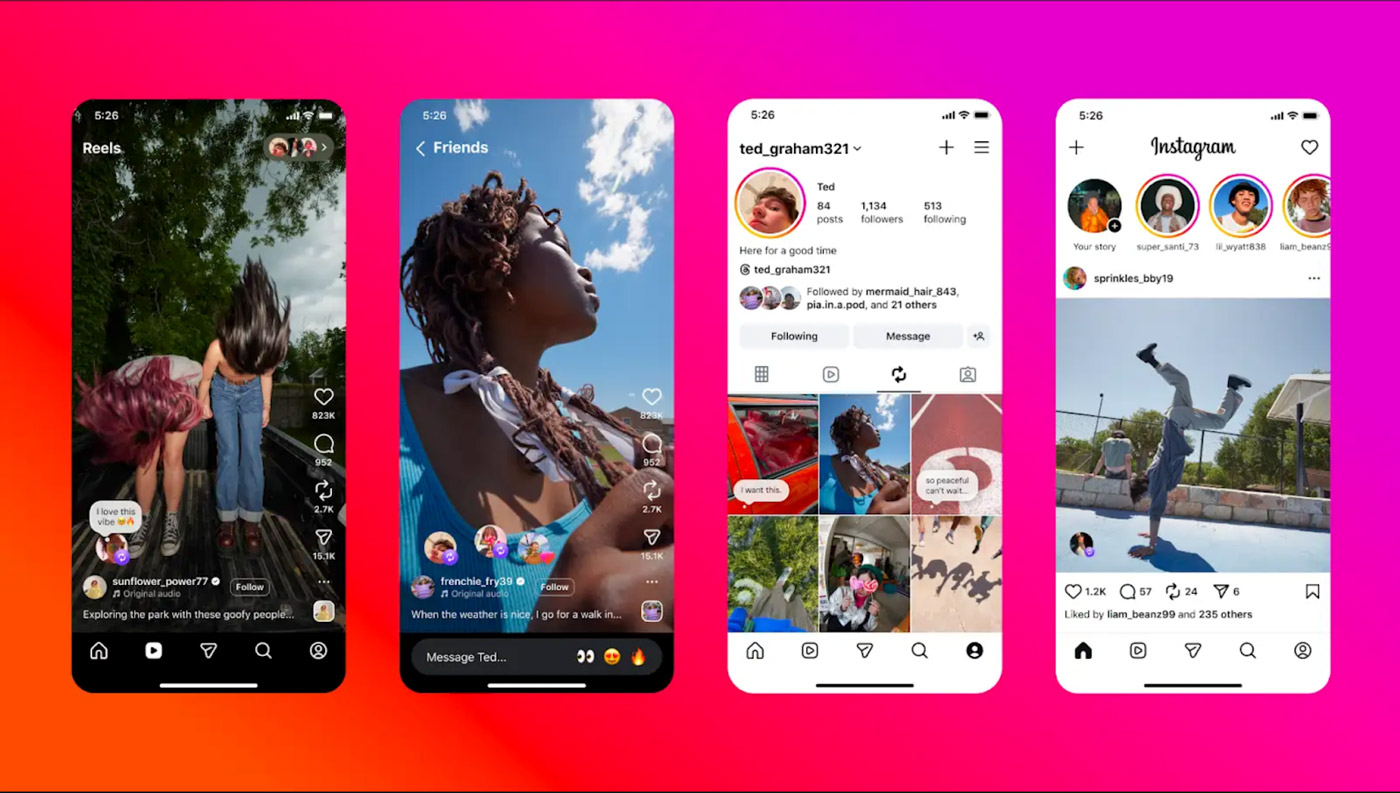
For accounts to appear in the Friends Reels feature, there needs to be mutual following between the two accounts, not just a one-sided follow. Once accounts follow each other, Reels they like or interact with can surface in the Friends Reels tab, allowing their activity to influence what their network sees.
In practice, the feed doesn’t only show content from friends you interact with frequently. It can also surface Reels liked by people you follow but may not engage with regularly, meaning content can spread across broader friendship networks than expected.
What this changes for Instagram content:
- Likes and shares travel further through friend networks
- Content can gain a second wave of reach through friend activity
- Relatable, everyday content often spreads faster than polished ads, as people are more likely to engage with content they would naturally share with friends
How brands can take advantage of this feature - Create content that encourages tagging and sharing between friends, such as:
- “This is so you”
- “Send this to a mate”
- “Tag someone who needs this”
- “Send this to a friend planning this”
When friends tag or share a post, and their mutual connections engage with it, the content can surface across their networks, expanding reach organically through social connections.
Reference List
- Hashtag changes (5 hashtag limit, hashtags as labels)
Digital Trends. (2025, December 19). Instagram now limits you to five hashtags per post. - Greenhouse Grower. (2025, December 18). Instagram limits hashtags to five per reel or post.
- (2025). Instagram caps hashtag usage to 5 per post: Here’s why.
- Profile layout change (vertical grid / taller preview)
The Verge. (2025). Instagram isn’t just for square photos anymore. - (2025, January 23, updated May 14). Instagram grid update 2025: switches to vertical 3:4 ratio.
- Team. (2025). Understanding the Instagram grid size and dimensions (2025 grid update).
- Friends Reels feature (Reels liked by friends / friends tab)
The Tab. (2025, January 28). Instagram Reels “liked by friends” feed update, how to get it. - Inro Social. (2026, January 13). Instagram Friends tab guide: how it works and why it matters.